Agencies
Request logos, copy, photos and project assets in one organised place.
AZ-FIVE MicroTools · B2B · Version 1.0.0
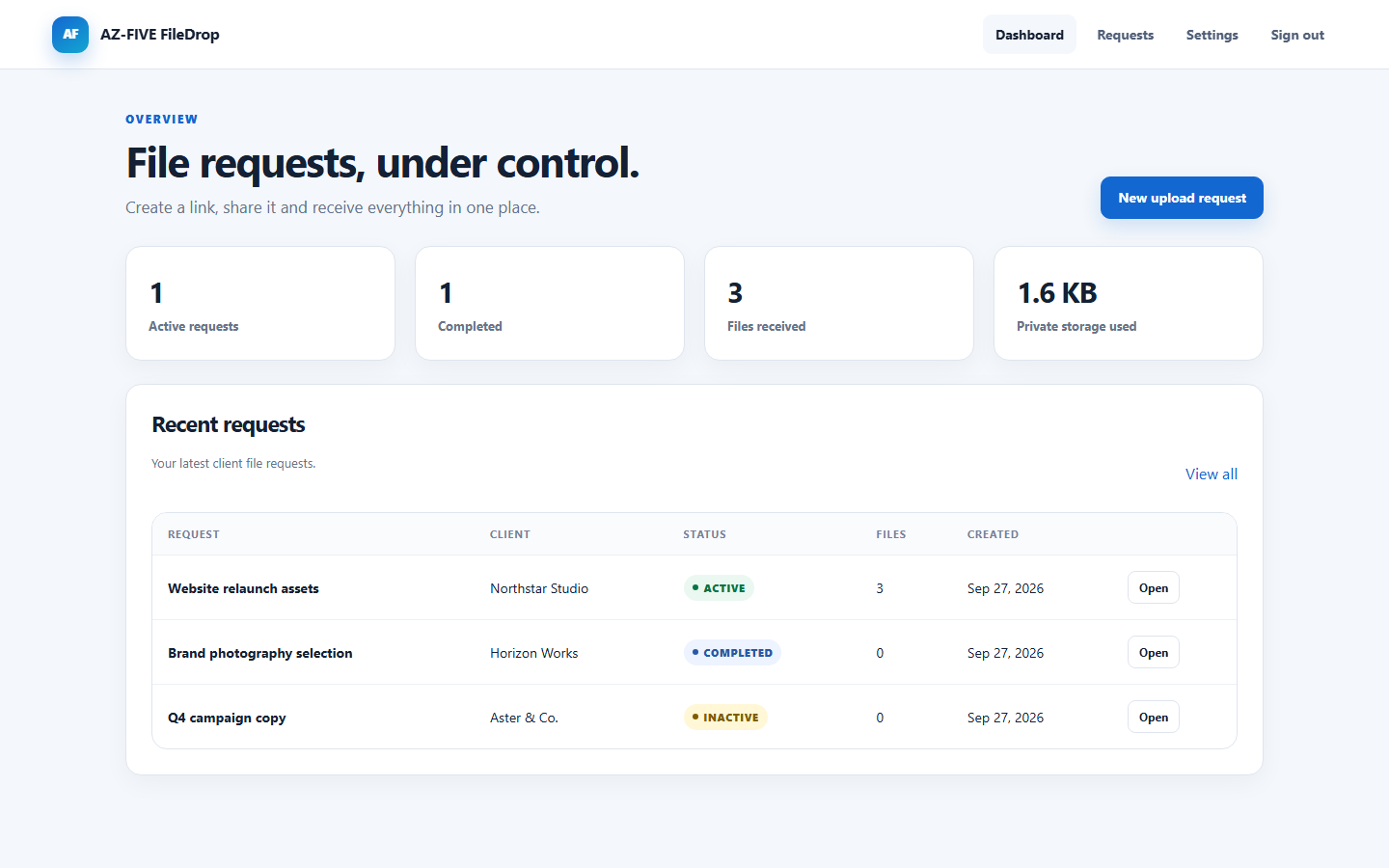
Collect client files securely without another subscription.
Create a request, share one protected link and receive every file directly on your own server.
The problem
A simple request quickly turns into scattered email attachments, chat messages and missing files.
The solution
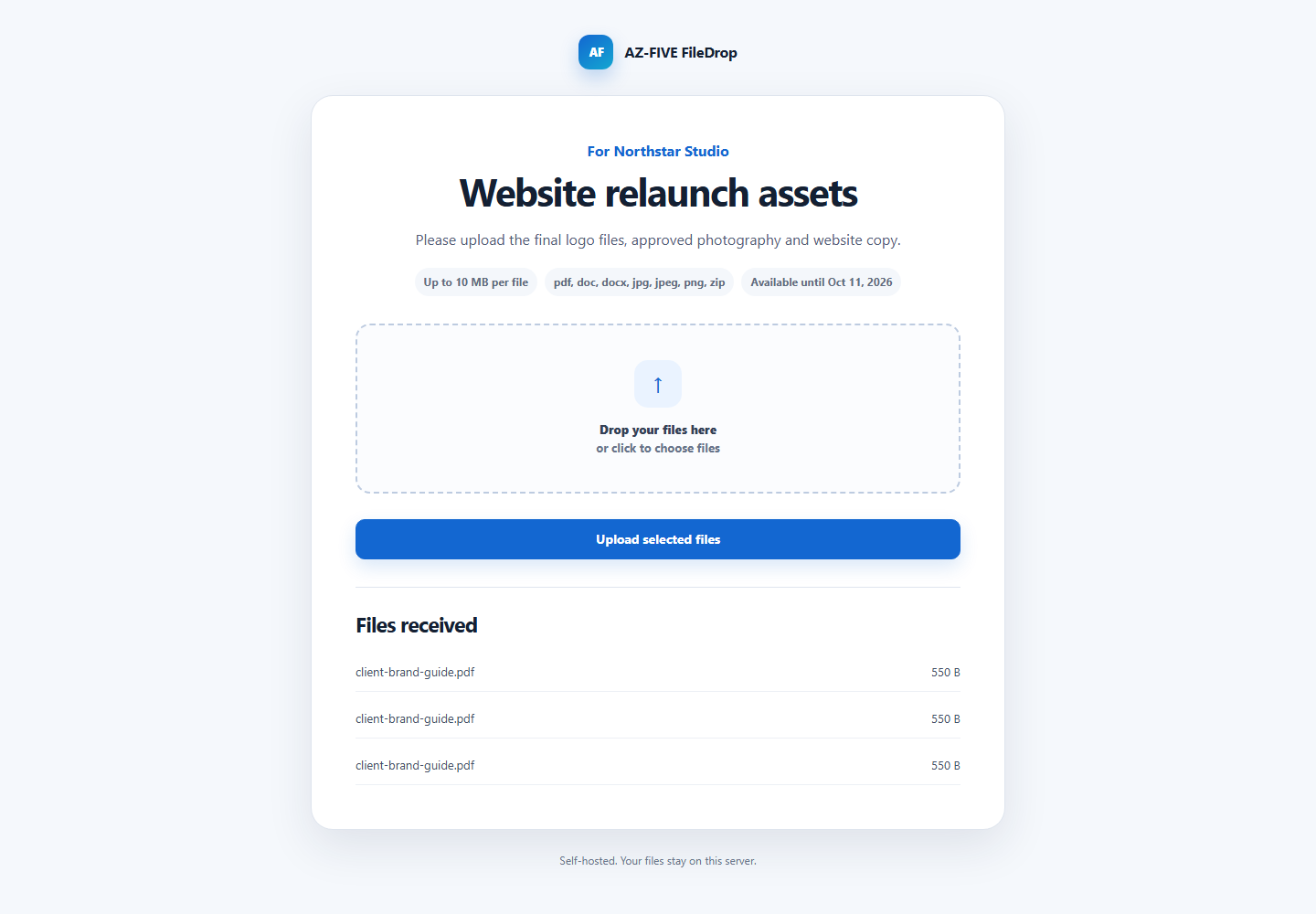
FileDrop gives each client request a clear upload page. The client needs no account, and you see exactly what arrived.
Affordable microtool, not a bloated platform
FileDrop is built for people who need a practical PHP upload script without a cloud subscription or a complex customer portal.
Request logos, copy, photos and project assets in one organised place.
Share a professional upload link without exposing personal cloud folders.
Receive project files on your own hosting for €29 once instead of another monthly software bill.
Focused feature set
No overloaded portal. FileDrop solves one job securely and clearly.
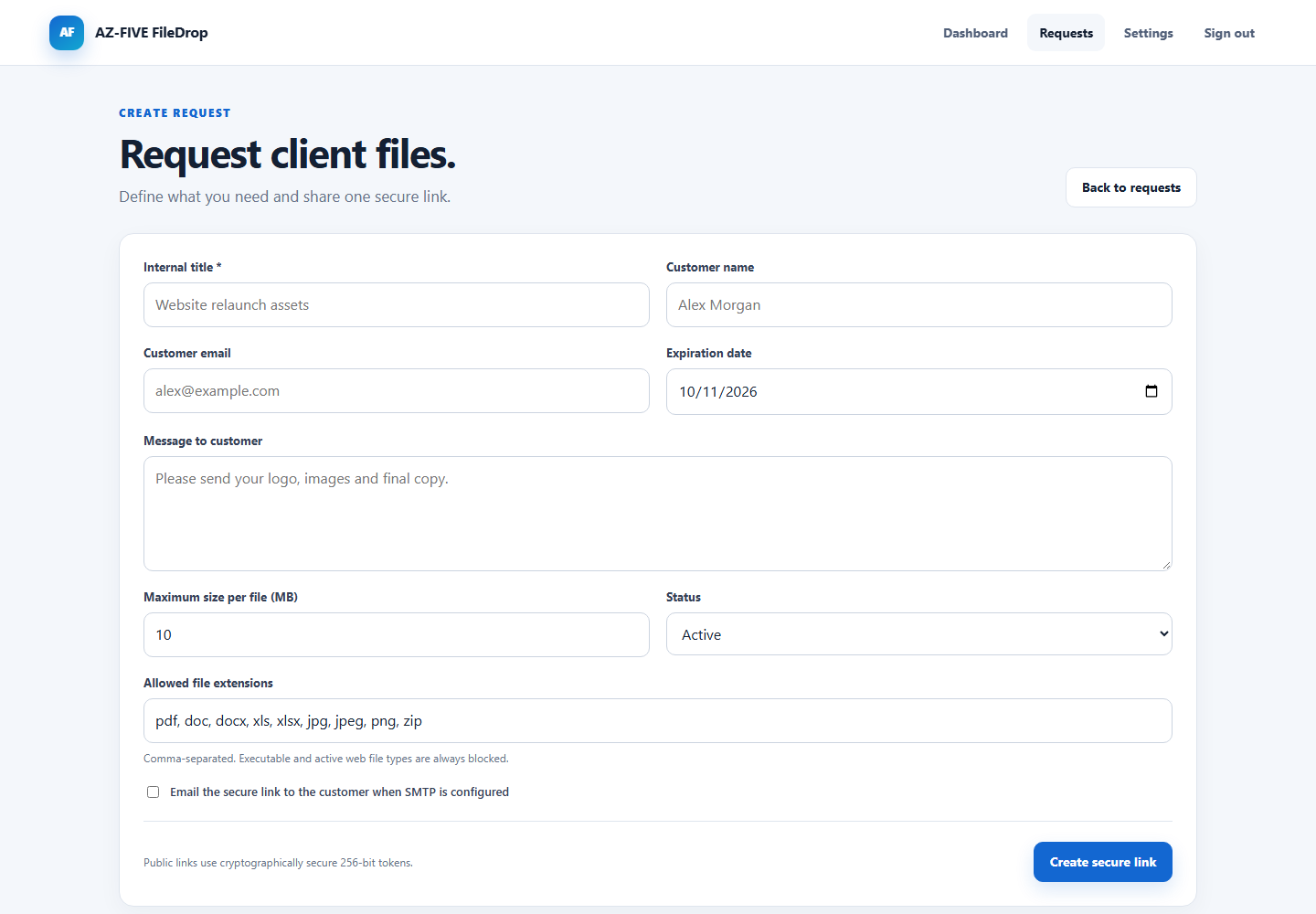
Cryptographically generated links, expiry dates and status controls for every request.
Responsive upload page with file selection, progress and clear feedback.
Server-side checks for size, extension, MIME type and suspicious double extensions.
Review files individually or download the complete request as one archive.
Customise the company name, logo, accent colour, sender and support address.
Send links and upload notifications through your mail server, or keep email disabled.
In action
How it works
Set the message, expiry date, maximum size and permitted file types.
Send the secure link through email or your preferred communication channel.
Manage protected uploads, download them and delete the full request when finished.
Self-hosted by design
No FileDrop cloud, advertising, built-in tracking or transfer to AZ-FIVE Industries. You control hosting, storage, backups and retention.
Server requirements
The web installer guides you through the database, tables, admin account and base configuration. Node.js and complex frameworks are not required on the server.
B2B one-time purchase
One production installation including source code and English documentation.
Available only to businesses and self-employed professionals acting in their business capacity.
Not offered to consumers.
Frequently asked questions
No. Each request has an individual secure link that opens the upload page directly.
No. FileDrop is offered exclusively to businesses and self-employed professionals acting in the course of their business activity.
No. FileDrop runs on your server and contains no telemetry or external file hosting.
No. SMTP is optional. You can copy and share every upload link yourself.
No. Files are stored outside the web root under random internal names and delivered through protected PHP downloads.
No. FileDrop validates file type, signature, size and suspicious extensions, but it does not replace antivirus software for highly sensitive environments.
Yes. Source code is included and may be modified internally for the licensed installation. Redistribution and resale are not permitted.